Blue Iris 6 – AI Tuning
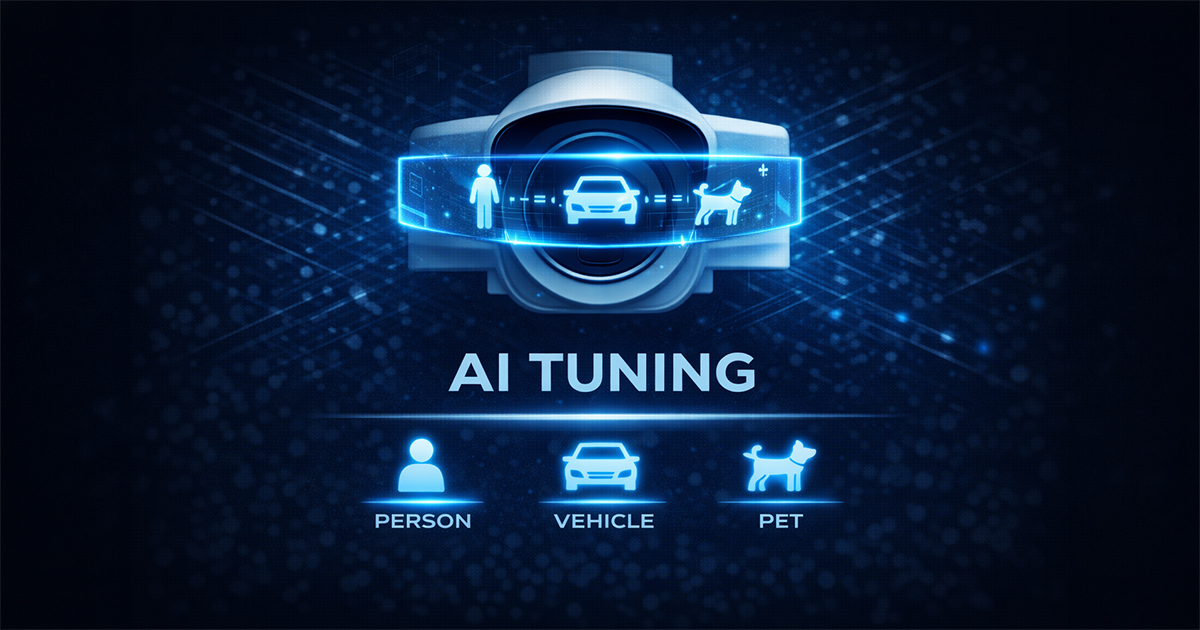
Overview
This page provides practical guidance for using AI confirmation in Blue Iris to improve event quality and reduce false alerts.
The focus is on disciplined setup: motion first, AI second, alerts third.
🎯 Objective
- Improve event quality
- Reduce false alerts
- Build a stable AI confirmation workflow
- Avoid using AI to compensate for poor trigger design
🧠 Key Concepts
- AI confirms events — it does not replace motion tuning
- Image quality directly affects AI accuracy
- Confidence thresholds must be tuned based on results
- Stable workflows outperform aggressive configurations
🛠️ Core Tuning Areas
Motion Before AI
- Establish clean motion detection first
- Reduce false triggers caused by scene noise
- Confirm cameras produce reliable trigger events
Image Source
- Ensure AI analyzes a usable image
- Poor framing, compression, or lighting reduces effectiveness
- Evaluate whether main stream or sub-stream produces better results
Confidence Thresholds
- Start with moderate confidence settings
- Review confirmed vs rejected events
- Adjust thresholds only after observing real-world behavior
Object Classes
- Enable only required object types
- Avoid unnecessary classifications that create noise
- Align detection with actual security objectives
Alert Logic
- Do not enable aggressive notifications initially
- Validate AI-confirmed events first
- Then introduce alerts and external integrations
Performance
- AI increases system load
- Monitor CPU, GPU, and system responsiveness
- Scale gradually when enabling across multiple cameras
📊 Recommended Baseline
- Clean motion detection
- Moderate confidence threshold
- Limited object classes
- Simple alert logic
- Review actual results before expanding
🧠 Real-World Notes
- Most AI issues originate from motion or scene design
- Proper framing often improves results more than tuning
- Excess object classes increase review workload
- Controlled rollout produces more stable long-term performance
⚠️ Common Mistakes
- Enabling AI before motion is stable
- Analyzing poor-quality images
- Using too many object classes
- Sending alerts before validation
- Changing multiple variables simultaneously
📊 Related Pages
✅ Result
A practical framework for implementing AI confirmation in Blue Iris without introducing unnecessary noise or instability.