Blue Iris – Detection Flow
🔹 Overview
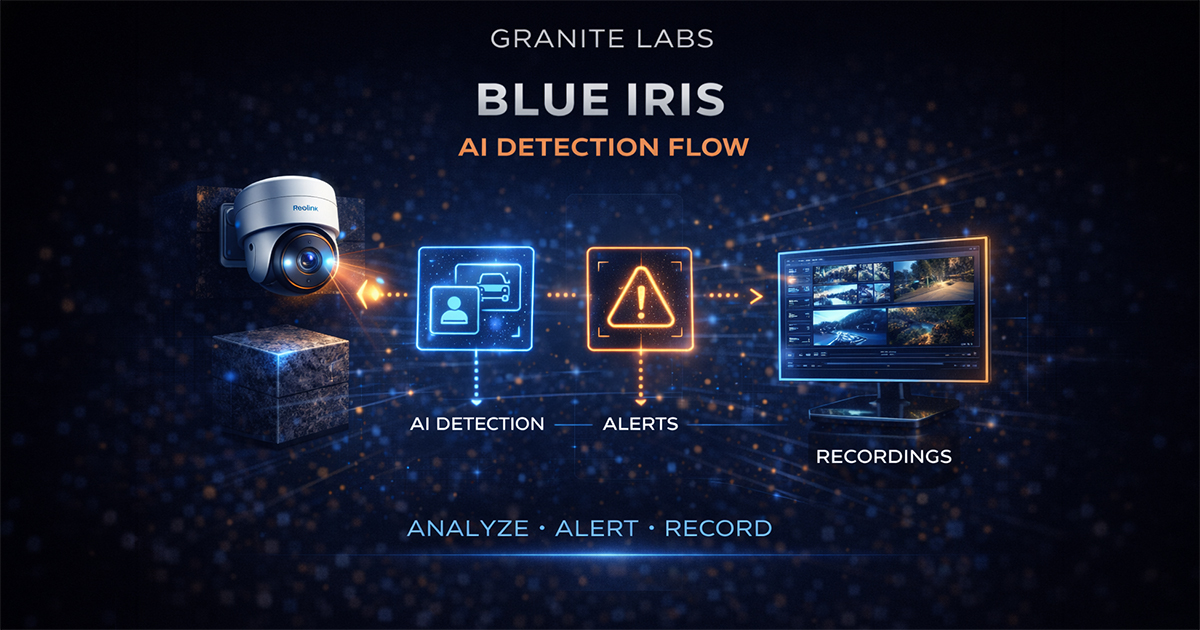
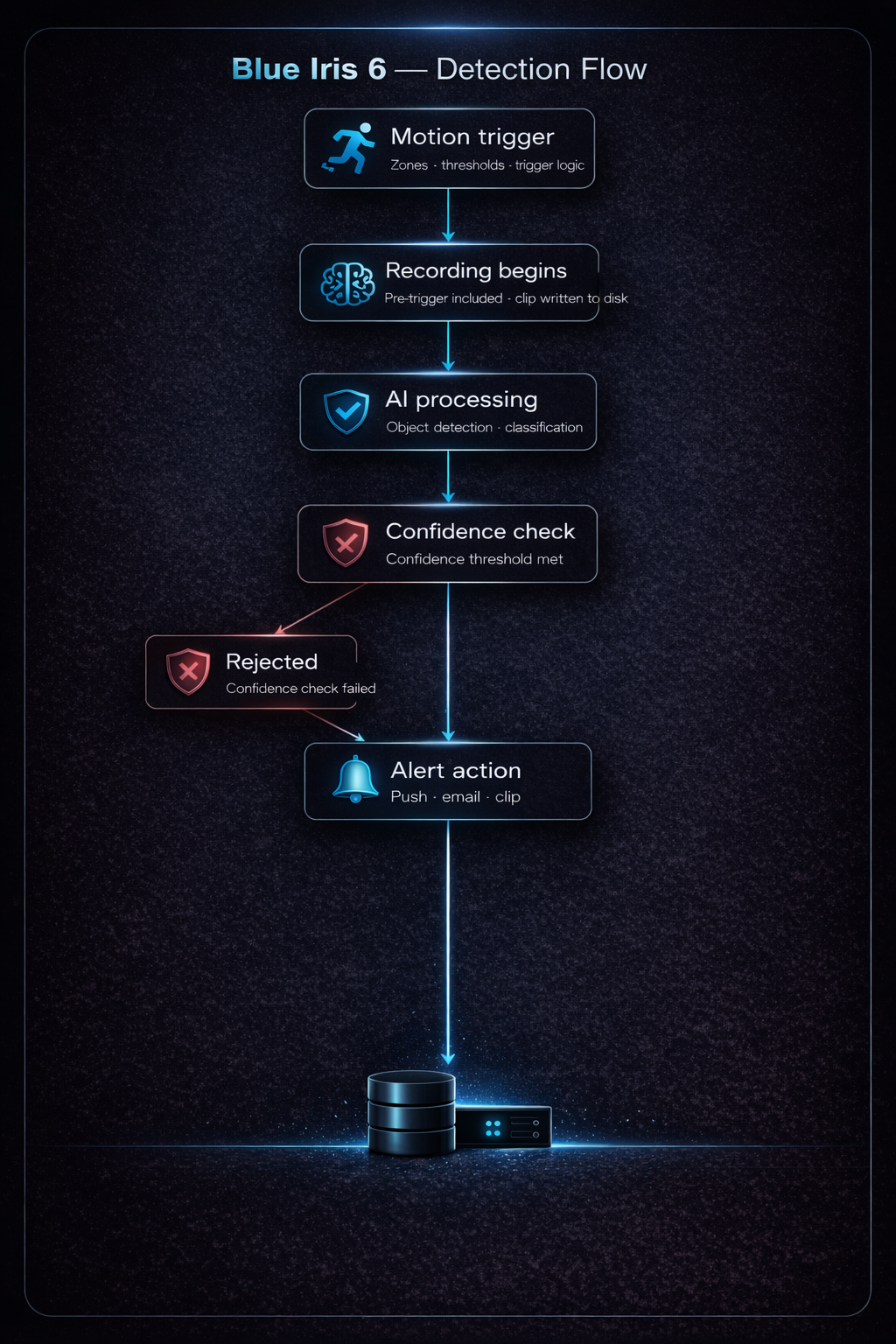
This page shows how an event moves through the full detection pipeline — from motion trigger to AI validation and alert delivery.
📊 Detection Flow Diagram
🧠 Event Flow
Step 1 — Motion Trigger
- Motion detected
- Zones and thresholds applied
↓
Step 2 — Recording
- Clip begins
- Pre-trigger included
↓
Step 3 — AI Processing
- Image analyzed
- Object classification applied
↓
Step 4 — Confirmation
- Confidence threshold evaluated
- Event accepted or rejected
↓
Step 5 — Alert Action
- Notification sent
- Clip stored or flagged
⚠️ Notes
- If any step fails, alerts will fail
- Most issues originate at the motion detection or AI stages
✅ Result
A clear understanding of how events are processed within the Blue Iris detection pipeline.