Blue Iris – Tuning Guide
🔹 Overview
Tuning is the process of refining a working Blue Iris system — not fixing a broken one.
This page focuses on how to think about tuning, not just what settings to use.
🎯 Objective
- Improve system stability
- Reduce false alerts
- Maintain usable video evidence
- Keep storage growth predictable
- Balance quality against performance
🧠 Key Principle
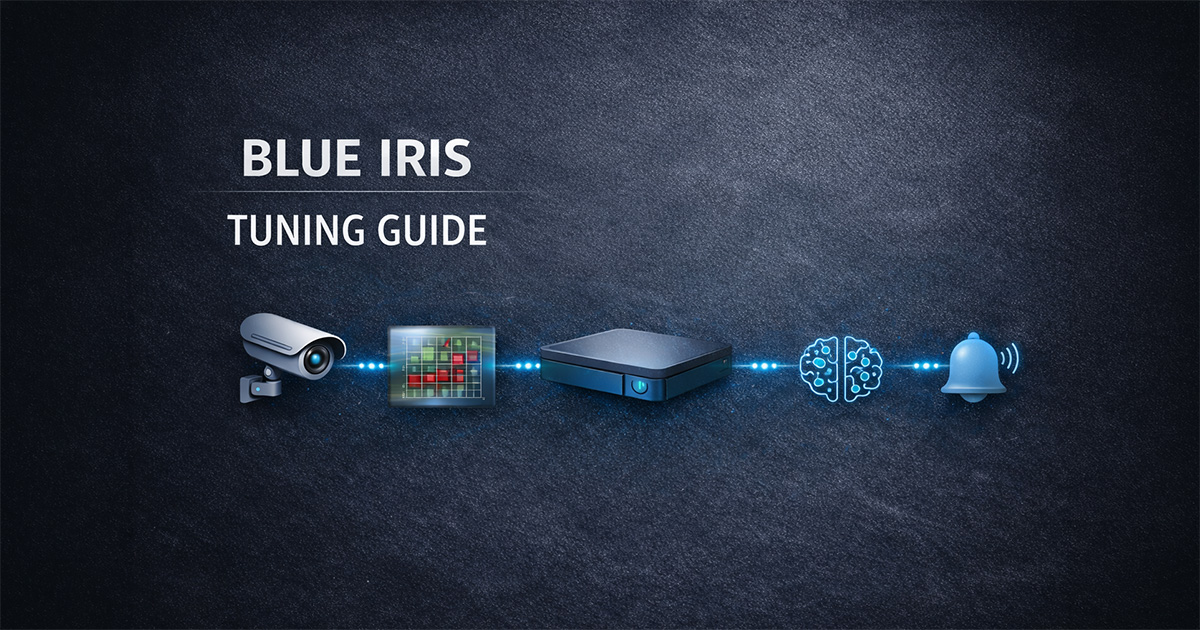
Tune in this order:
- Camera / Image
- Motion
- Recording
- AI
- Alerts
Skipping this order creates instability and poor results.
🛠️ Tuning Workflow
Step 1 — Image & Stream Quality
- Confirm camera is producing a clean, stable image
- Validate resolution, FPS, and stream type
- Avoid unnecessary re-encoding
Step 2 — Motion Cleanup
- Define zones intentionally
- Reduce noise (trees, shadows, insects, reflections)
- Tune object size and contrast
👉 Goal: clean, reliable triggers before AI
Step 3 — Recording Behavior
- Confirm direct-to-disk where appropriate
- Validate pre-trigger and post-trigger timing
- Ensure clips reflect real events
Step 4 — AI Confirmation
- Enable AI only after motion is stable
- Use moderate confidence thresholds
- Confirm AI is analyzing a useful image
👉 AI improves signal — it does not fix bad input
Step 5 — Alerts
- Start simple
- Validate event quality first
- Add notifications only after system is stable
🛠️ Core Tuning Areas (Reference)
Stream Strategy
- Main vs sub-stream usage should match the goal
- Avoid unnecessary processing
Codec Choice
- H.264 is the safest baseline
- H.265 may increase complexity and instability
Frame Rate
- ~15 FPS is a strong baseline
- Increase only where justified
Resolution
- Match resolution to the scene
- Placement often matters more than megapixels
Storage
- Validate retention rules early
- Monitor growth after any major change
Performance
- Monitor CPU, GPU, storage, and memory together
- Scale gradually — test after each change
🧠 System Insight
Better image → better motion → better AI → better alerts
Most problems originate earlier in the chain.
⚠️ Common Mistakes
- Tuning AI before motion works
- Changing multiple variables at once
- Increasing FPS or resolution without purpose
- Enabling alerts too early
- Ignoring system performance impact
📊 Related Pages
✅ Result
A structured tuning approach that keeps Blue Iris stable, predictable, and scalable in real-world deployments.