Blue Iris – System Reference
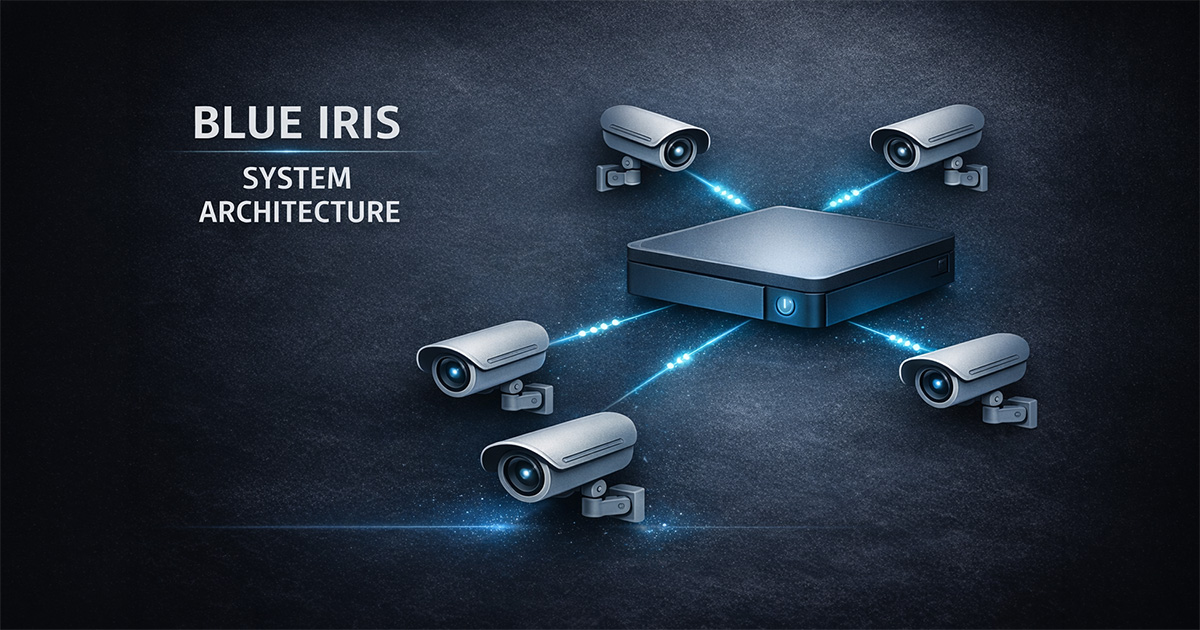
Overview
This page serves as a structured reference for all major configuration areas within the Blue Iris system.
Use this page as a quick lookup to understand where settings live and how they relate to overall system behavior.
🎯 Objective
- Provide a quick reference to Blue Iris configuration areas
- Reduce time spent searching for settings
- Support troubleshooting and system tuning
- Create a consistent reference structure
🧠 Key Concepts
- Global vs camera-level settings
- Trigger-based recording logic
- AI confirmation vs motion detection
- Profiles and schedules control behavior
- Storage paths and retention rules
- Performance tuning impacts system stability
System Areas
Global Settings
Controls system-wide behavior:
- Web server
- User access
- Alerts (global level)
- Profiles and schedules
- Storage configuration
- AI integration
Camera Settings
Controls individual camera behavior:
- Video and audio configuration
- Trigger settings
- Recording rules
- Alert behavior
- Scheduling and profile overrides
Recording
Defines how and when video is stored:
- Continuous vs triggered recording
- Pre-trigger and post-trigger buffers
- Direct-to-disk configuration
- Retention and cleanup rules
Motion Detection
Determines when events occur:
- Sensitivity
- Object size
- Zones
- Contrast thresholds
- Trigger timing
AI Detection
Enhances motion detection:
- Object classification
- Confidence thresholds
- Confirmed vs unconfirmed alerts
- Reduces false positives
Alerts
Defines system responses:
- Push notifications
- Email / SMS
- Clip generation
- Image capture
- External integrations
Profiles & Schedules
Controls system behavior over time:
- Different modes (day/night/security)
- Schedule-based switching
- Per-camera overrides
Storage
Defines how data is managed:
- New / Stored / Alerts folders
- Size limits
- Retention rules
- Database management
Performance
System optimization areas:
- Hardware acceleration
- Stream selection (main vs sub)
- Codec selection (H.264 vs H.265)
- Frame rate tuning
- CPU / GPU load management
📊 Related Pages
⚠️ Notes
- This page is not for step-by-step instructions
- It is a reference layer for understanding the system
- Use detailed pages for configuration walkthroughs
🧠 Real-World Notes
- Most issues originate from misaligned motion and AI settings
- Storage configuration directly affects long-term system stability
- Profiles and schedules can override expected behavior
- Performance issues often appear after incremental changes
✅ Result
A structured reference of all major Blue Iris configuration areas, enabling faster navigation, troubleshooting, and system understanding.