Blue Iris – Field Quick Sheet
🔹 Core Baseline
- Codec: H.264
- Frame Rate: ~15 FPS
- Recording: Direct-to-disk
- Motion: Conservative
- AI: Confirm after motion is clean
- Alerts: Enable last
🧠 System Flow
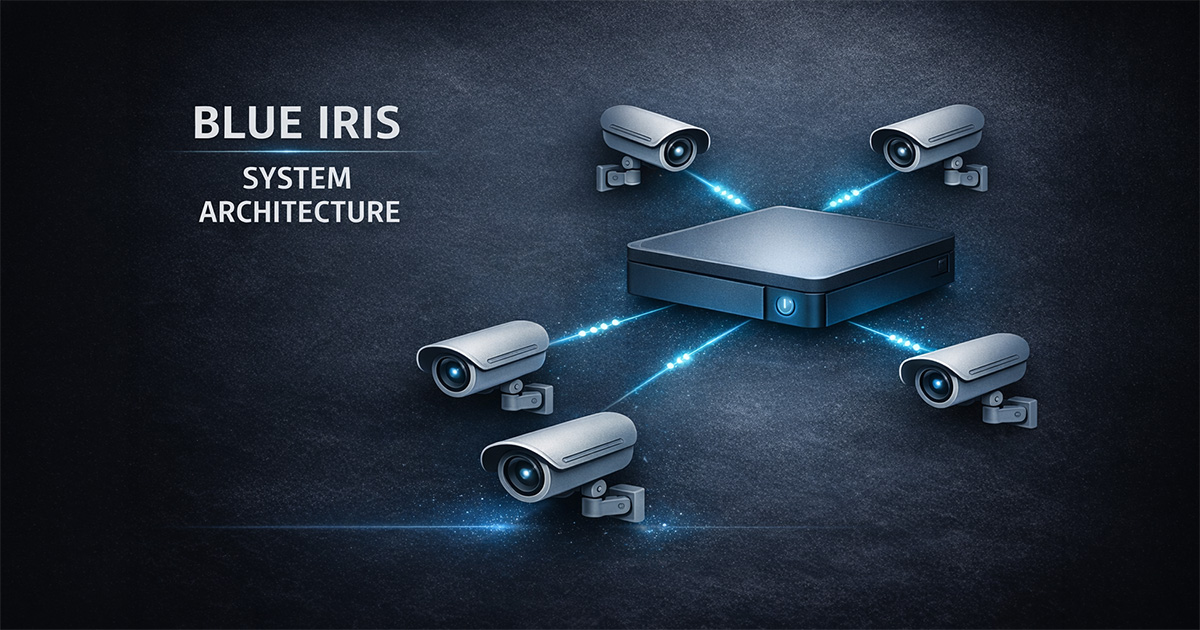
Camera → Motion → Recording → AI → Alerts
If something fails, check earlier in the chain.
🎥 Camera Setup
- Confirm stream loads cleanly
- Validate resolution and FPS
- Avoid max settings unless needed
- Match field of view to purpose
📹 Recording
- Verify recording mode (continuous vs triggered)
- Set pre-trigger and post-trigger correctly
- Confirm clips are saving
- Check storage paths
🚨 Motion Detection
- Define zones carefully
- Reduce false triggers (trees, light, insects)
- Tune object size and contrast
- Validate real events
🤖 AI Detection
- Enable after motion is stable
- Use moderate confidence
- Limit object classes
- Review confirmed events before enabling alerts
🔔 Alerts
- Confirm motion → AI → alerts chain
- Check schedules and profiles
- Test alert delivery
- Start simple
💾 Storage
- Confirm New / Stored folders
- Set retention limits
- Monitor growth after changes
- Watch disk space
⚙️ Performance
- Monitor CPU and responsiveness
- Add cameras gradually
- Avoid max settings everywhere
- Test hardware acceleration
🧠 Troubleshooting Flow
- Define problem
- Check basics
- Isolate system area
- Test in isolation
- Reintroduce features
⚠️ Common Mistakes
- Changing multiple settings at once
- Enabling AI before motion works
- Turning on alerts too early
- Ignoring storage growth
- Over-tuning the system
✅ Goal
Stable, predictable, usable system — not maximum settings.