Blue Iris – Installation and Initial Setup
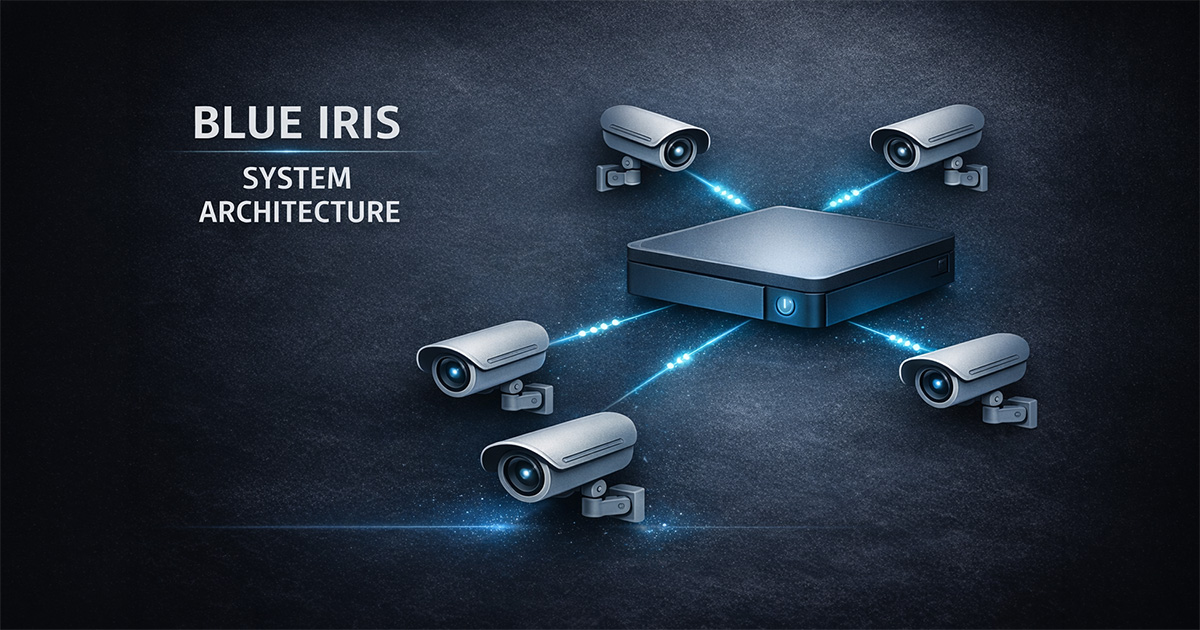
🔹 Overview
This guide walks through a clean Blue Iris installation and initial system setup.
Follow the steps in order.
Do not enable advanced features until the base system is stable.
🔹 Step 1 — Install Blue Iris
- Install the latest version
- Launch the application
- Confirm license activation
✔ Result: Blue Iris opens and runs without errors
🔹 Step 2 — Add First Camera
- Add a new camera
- Select Network IP
- Enter IP, username, and password
- Confirm video stream loads
✔ Result: Live video is stable
🔹 Step 3 — Configure Video Stream
- Confirm main stream resolution
- Set FPS (~15 FPS recommended)
- Enable sub-stream if available
✔ Result: Smooth video with no stuttering
🔹 Step 4 — Configure Recording
- Enable Direct-to-disk
- Confirm recording folder
- Set recording to When triggered
✔ Result: Clips are being recorded
🔹 Step 5 — Configure Motion Detection
- Enable motion sensor
- Define zones
- Adjust thresholds:
- Minimum object size
- Minimum contrast
- Make time (~1.0 sec)
✔ Result: Motion triggers are clean and consistent
🔹 Step 6 — Add AI Confirmation
- Enable Confirm alerts with AI
- Set confidence (~60%)
- Use main stream for AI if available
✔ Result: False alerts are reduced
🔹 Step 7 — Configure Alerts
- Trigger: New triggers only
- Add to alerts list: Database only
✔ Result: Alerts are meaningful and controlled
🔹 Step 8 — Validate System
- Confirm cameras are stable
- Confirm recordings are stored correctly
- Confirm motion and alerts function correctly
- Check CPU and system load
✔ Result: System is stable under normal operation
🔹 System Flow
Build the system in this order:
- Camera works
- Recording works
- Motion works
- AI works
- Alerts work
Do not skip steps.
🔹 Quick Wins
- Start with 1–2 cameras before scaling
- Use sub-stream for motion detection
- Set FPS to ~15 for most cameras
- Avoid H.265 if performance issues appear
- Use direct-to-disk whenever possible
🔹 Common Mistakes
- Enabling AI before motion is tuned
- Adding too many cameras too early
- Not verifying recording folders
- Over-tuning sensitivity
- Ignoring system performance
🔹 Final Thought
A stable system is built step-by-step.
Do not optimize until the base system is working correctly.